- 92 302 252 4446
- info@hostingwala.pk
Trusted Website Hosting Agency in Pakistan
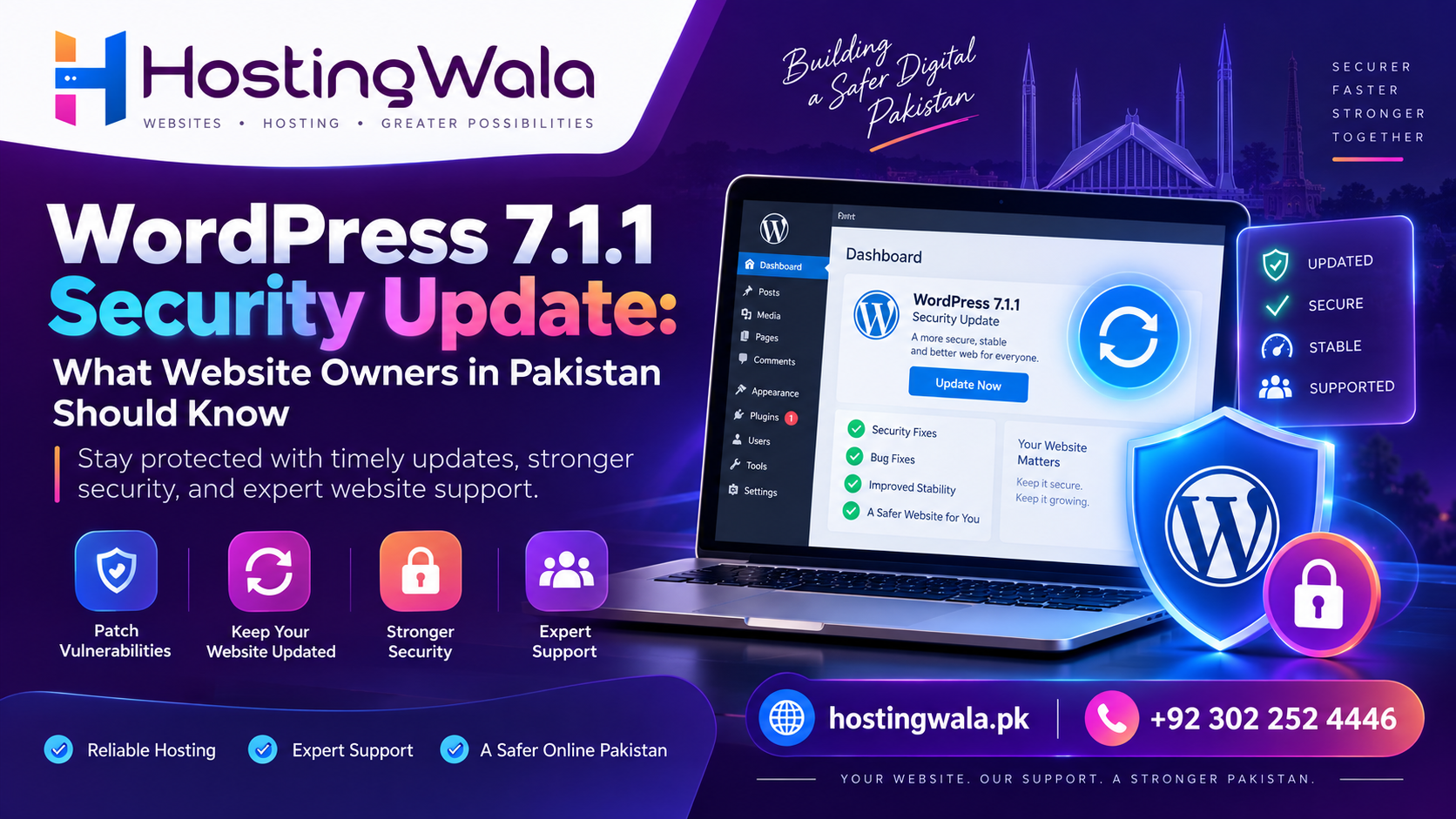
WordPress 7.1.1 Security Update: What Website Owners in Pakistan Should Know
WordPress 7.1.1 is a maintenance and security release published on September 17, 2026. It includes 17 Core bug fixes, Block Editor fixes, and 11 security fixes. WordPress recommends updating websites immediately because this is a security release. Website owners should take a backup, check plugin and theme compatibility, update WordPress, and verify that the website continues working normally afterward.
Introduction
WordPress powers millions of websites, from business websites and blogs to online stores and service websites.
Because WordPress websites rely on Core software, themes, plugins, and hosting infrastructure, keeping everything updated is an important part of website maintenance.
The latest WordPress 7.1.1 release is particularly relevant because it is both a maintenance and security update.
For website owners in Pakistan, this is a good opportunity to check not only the WordPress version but also backups, plugins, themes, hosting, and overall website security.
What Is WordPress 7.1.1?
WordPress 7.1.1 is a short-cycle maintenance and security release for the WordPress 7.1 series.
According to WordPress, the release includes fixes for Core and the Block Editor along with 11 security fixes. WordPress specifically recommends that websites update immediately because of the security nature of the release.
The release was made publicly available on September 17, 2026.
Why Is This Update Important?
Security updates are different from optional feature improvements.
Security fixes address issues that could potentially affect the safety or integrity of a website. WordPress 7.1.1 includes fixes involving areas such as post permissions, comments, XML-RPC, media, themes, and administration functionality.
For a business website, avoiding unnecessary security exposure is important because a compromised website can affect:
- Customer trust
- Website availability
- Business enquiries
- Online sales
- Search visibility
- Website data
Keeping Core software updated is therefore a basic part of WordPress maintenance.
What Does WordPress 7.1.1 Fix?
The release contains multiple security improvements as well as regular bug fixes.
| Update Area | What It Means |
| WordPress Core | Fixes issues in the main software |
| Block Editor | Resolves editor-related bugs |
| Permissions | Improves authorization checks |
| Comments | Addresses permission-related issues |
| Media | Improves access checks |
| Themes | Fixes theme-related security issues |
| XML-RPC | Adds additional security protections |
| Administration | Strengthens certain admin actions |
WordPress documentation lists 11 security fixes in the release and provides details about affected versions and backported fixes.
Do Pakistani Website Owners Update?
Yes, sites running an end-of-life version of WordPress should follow WordPress’ advice and upgrade.
This includes whether the website is that of a:
- Small companies
- Online shop
- Blogging
- Digital agencies
- Freelancing
- Local Service Provider / MSP
- Company
The software maintenance is equally important regardless of the geographical location of the website owner.
For Pakistani businesses, it is especially important to keep their website secure, whether they are collecting customer inquiries, processing orders, publishing business information, or connecting to third-party services.
What You Need to Do Before Updating WordPress
It is a good practice to prepare the website before applying a major or maintenance update.
Make a Backup
Backup the website files and database with a recent backup:
A solid backup gives you something to restore from, should you run into an unforeseen compatibility issue.
Check plugins & themes
Ensure that critical plugins and the active theme are updated and supported.
Outdated plugins can create security and compatibility problems even with updates to WordPress Core.
Verify Your Hosting Environment
Your hosting provider should give you a stable environment with the right PHP, database, SSL, backups and server security.
Good WordPress hosting can facilitate your routine maintenance of the website.
How to Upgrade to WordPress 7.1.1
Most websites do it pretty simply.
Login to your WordPress Dashboard and go to:
Dashboard → Updates → Update Now.
WordPress also notes that sites that allow automatic background updates may receive the update automatically.
Once you’ve done an update, go to the website and test important functions like:
- Home
- Contact form
- Menu
- Log in
- Blog articles
- Products pages
- Check out
- Figures
- Mobile version
If there is any custom code on the website or it uses a lot of third-party plugins, it is advisable to test further.
WordPress Security Is More Than Just One Update
It is important to update to WordPress 7.1.1, but the security of your website shouldn’t stop there.
Website owners should also check regularly:
- Update plugins
- Update themes.
- Disable unused plugins
- Admin passwords must be strong
- Offer adequate security safeguards
- Make back-ups regularly
- Use http
- Look for strange activity on websites
- Choose trusted hosting
WordPress also points out that only the latest version receives active support, though security patches may be backported to a few older branches.
Questions frequently asked
What’s WordPress 7.1.1 ?
WordPress 7.1.1 is a security and maintenance release, and was released on September 17, 2026. It features bug fixes and 11 security fixes.
WordPress 7.1.1 security release?
Yes. WordPress lists 7.1.1 as a security and maintenance release, and strongly urges sites to update immediately.
How to update WordPress 7.1.1?
Log into your WordPress dashboard then go to Dashboard -> Updates and click Update Now. WordPress also offers automatic background updates for qualifying sites.
Do I need to backup my site before updating WordPress?
Yes. In case of any unforeseen issue during or after the update, the latest backup of your files and database offers one more option to recover data.
Does WordPress hosting affect my website security?
“Hosting is one aspect of the overall security ecosystem. Factors such as reliable hosting, SSL, backups, server maintenance and updated website software can help keep your WordPress website in good shape.
Conclusion:
WordPress 7.1.1 is an important security and maintenance release for WordPress website owners in Pakistan and elsewhere. WordPress recommends updating immediately and includes 11 security fixes along with a number of bug fixes.
Backup and verify the plugins and theme before updating. Once the update is complete, review the key areas of your website to verify all is functioning as expected.
Businesses can increase the safety and reliability of their websites by regularly updating WordPress, using secure hosting, backing up their sites, and performing proper website maintenance.