- 92 302 252 4446
- info@hostingwala.pk
Trusted Website Hosting Agency in Pakistan

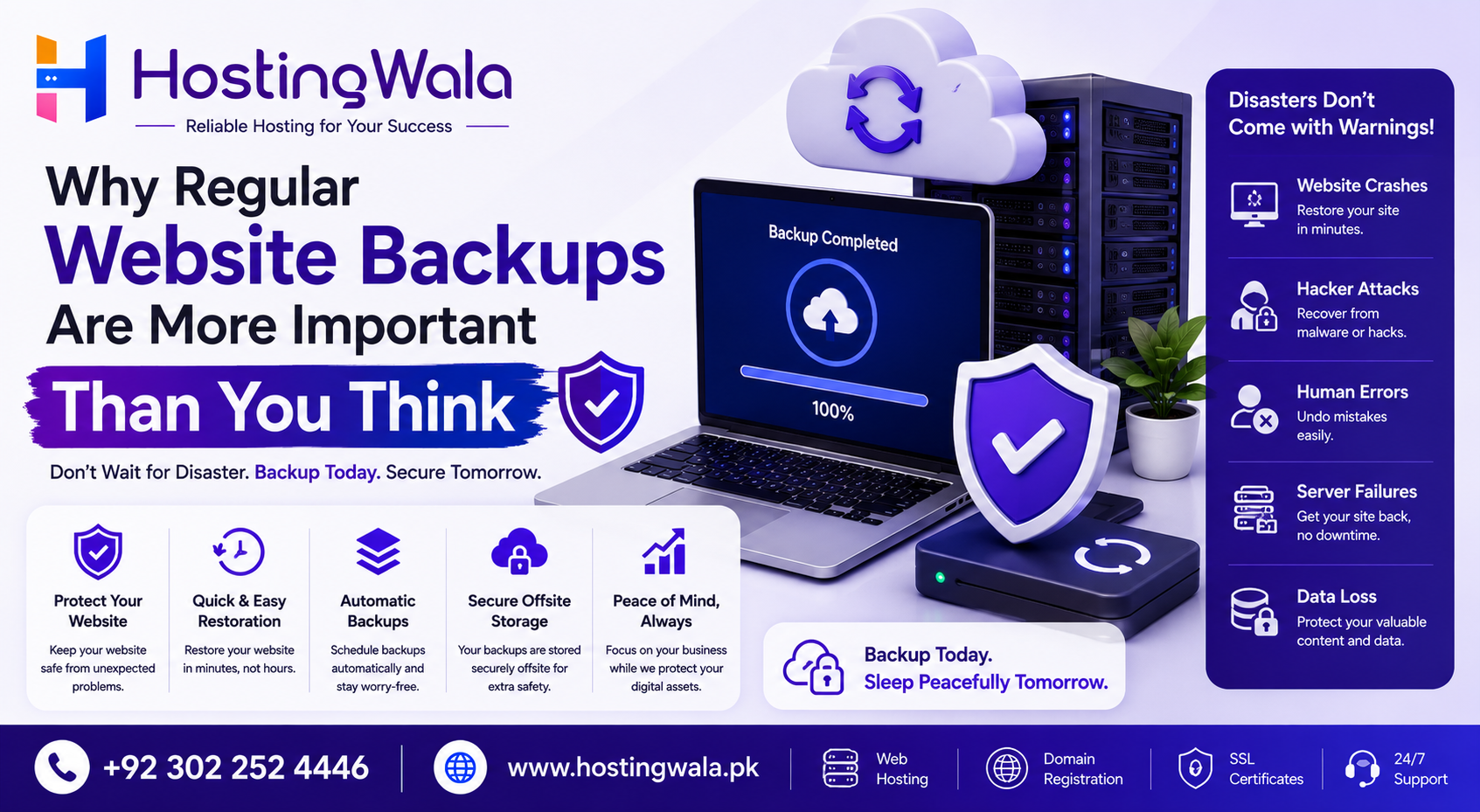
Why Regular Website Backups Are More Important Than You Think
Website Backup up your website is one of the most important ways that you can protect your website from unexpected problems such as hacking attempts, accidental file deletion, software errors or server failures. You can easily restore your website with a recent backup, minimize downtime and avoid losing valuable business data.
Introduction
Your website is one of the most important assets to your business. It’s your brand. It attracts potential customers, and often generates leads or sales daily. But, most of the website owners focus on design and marketing but forget one important task – regular backups of website.
There is no such thing as a 100% technical issue-free website. A plugin update can fail, a server can have a problem or important files can be deleted by mistake. Without a good backup, getting your website back up can be difficult, expensive, and time-consuming.
What Is a Backup of a Website?
A website backup is a complete copy of your website’s files, database, images, settings and other important data.
In the event of something going wrong, the backup allows you to restore your website to a previous working version rather than rebuilding everything from scratch.
A full backup typically consists of:
- Website documents
- Database
- Images & Media
- Themes and plugins
- Email settings (if available)
- Web Server Configuration Files
Why Regular Website Backups Are Important
A lot of website problems happen suddenly. Recent backups provide peace of mind and your business can recover faster.
Here are some common situations where backups become critical:
- Deleted a file by mistake
- Failure to update software or plugins
- Website hacking attempts
- Malware infections:
- Server crashes
- Website changes made by humans
You can bring back your Website Backup in a short time instead of losing days or weeks of work.
Key Advantages of Website Backups
Quicker Site Recovery
A recent backup will allow you to restore your website quickly after an unexpected issue, reducing downtime and minimizing disruption to your business.
Protection from Data Loss
Regular backups keep important content, customer information, blog posts, and website setting protected.
Website Security Enhancements
Backups won’t stop cyberattacks, but they can make it much easier to recover if your website is hacked.
Website Updates Safe
It’s a safety net in case something goes wrong, to back up your WordPress, plugins, and themes before updating them.
Business Continuity
Backups ensure business can continue with minimal interruption if your website generates inquiries or sales and depends on it.
How Often Should You Back Up Your Website?
The ideal backup schedule depends on how frequently your website changes.
| Website Type | Recommended Backup Frequency |
| Business Website | Weekly |
| Blog | Weekly or after major updates |
| E-commerce Website | Daily |
| News Website | Daily |
| High-Traffic Website | Multiple times per day |
If you regularly publish content or update products, more frequent backups are recommended.
Backing up a Website Best Practices
To keep your website safe:
- Configure automatic backups.
- Store your backups in a secure area.
- Make a couple of copies as backup.
- Regularly test backups.
- Backup before making any major site updates.
- Opt for reliable hosting with backup options.
If you practice these things, you will find it much easier to recover when unexpected problems occur.
FAQ’s
What is a backup for a website?
A website backup is a copy of your website files and database that can be used to restore your website in case of data loss or technical problems.
Why should I back up my website?
Backups keep your website safe from losing data due to hacking, software problems, accidental deletion or server crashes.
How often should I backup my website?
Most business sites should be backed up at least weekly, with e-commerce and frequently updated sites requiring daily backups.
Can I back up and restore my whole website
Yes. A full backup usually restores your website’s files, database, media and settings (depending on what backup solution you use).
Is your web hosting backup included?
Many hosting providers offer backup services, but the features are all different. Always check your hosting plan’s backup policy and make sure you have additional backups if you need them.
Summary
Backing up your site on a regular basis is a simple but important part of running any website. They protect your critical data, reduce down time and make recovery easier when the unexpected happens. If you have a business website, blog or online store, having a reliable backup strategy helps to keep your website safe and available. Backups, quality hosting, and regular maintenance provide an extra layer of security that every website owner should have.