- 92 302 252 4446
- info@hostingwala.pk
Trusted Website Hosting Agency in Pakistan

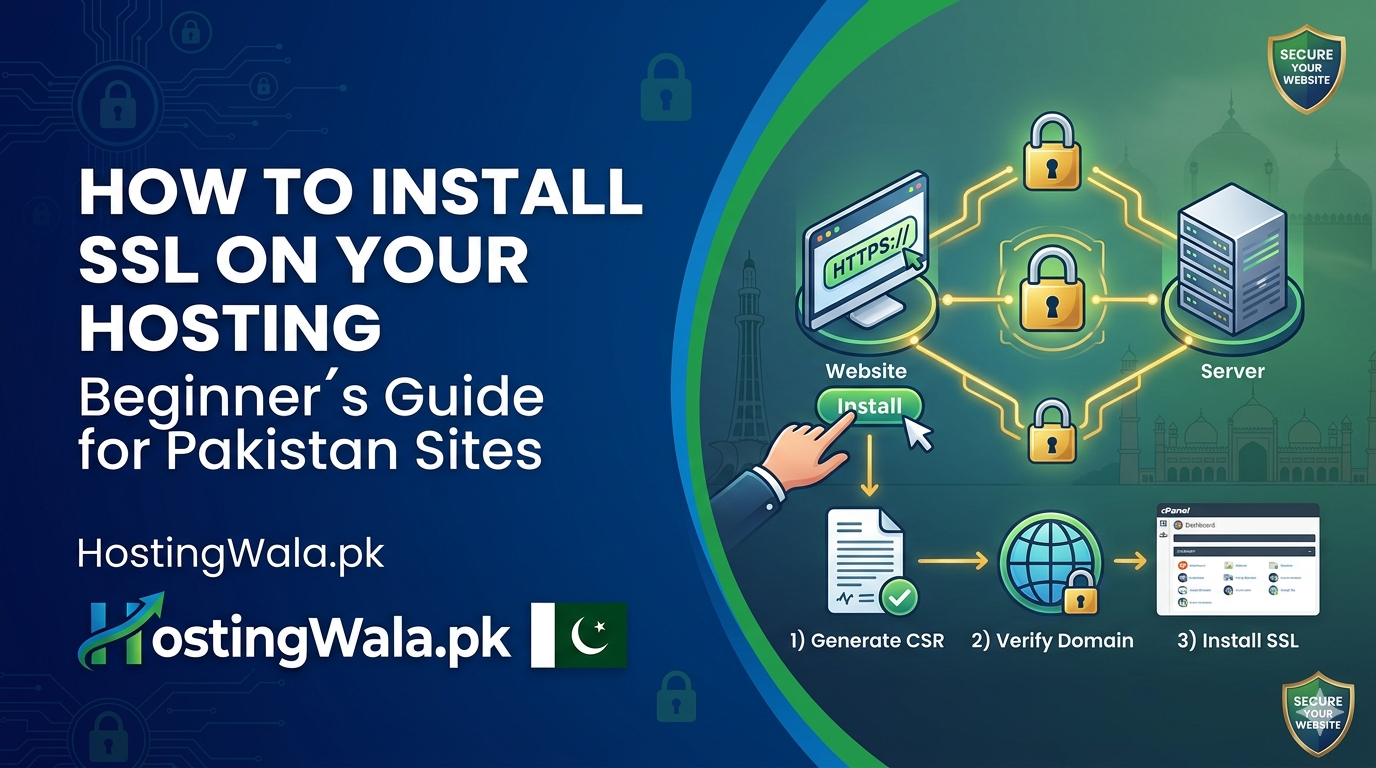
How to Install SSL on Your Hosting (Beginner’s Guide for Pakistan Sites)
The time for website security is no longer optional. Whether you run a business website, blog, or eCommerce store, installing an SSL certificate is mandatory. This guide is a step-by-step beginner-friendly tutorial on how to install SSL on your hosting and make your website secure!
HostingWala provides the best way to install SSL certificates and protect your website while getting you ranked higher in search engines.
How to install SSL on your hosting & Why is it Important?
SSL (Secure Sockets Layer) is responsible for encrypting data shared between your site and visitors. In this sense, it guarantees that vital information — be it passwords or payment details — is still secure.
Using SSL helps you:
- Secure your website (HTTPS)
- Build trust with visitors
- Improve Google rankings
- Protect user data
Google is also preferred secure websites on the other hand.
What If You Never Use SSL?
Without SSL:
- Your domain shows a “Not Secure” warning
- Visitors may leave immediately
- SEO rankings can drop
- Data becomes vulnerable
For that reason, each website owner is stimulated to examine a way to set up SSL on their hosting in Pakistan.
Types of SSL Certificates
Before expanding into SSL, understand that there are different types of SSL
Free SSL (Let’s Encrypt)
- Ideal for beginners
- Available with most hosting providers
Paid SSL Certificates
- Higher security
- Best for eCommerce websites
HostingWala has an option for any of these according to your requirement.
Step-by-step How to Install SSL for Your Hosting
Just follow these easy steps to install the SSL on your host:
Log in to Your Hosting Control Panel
You will first need to access your hosting dashboard or cPanel.
Go to SSL/TLS
When searching, find SSL or security-based options.
Install SSL Certificate
- Select free SSL (Let’s Encrypt) or upload your certificate
- Click install/activate
Force HTTPS
Activate the option “Force HTTPS” to redirect all traffic to the secure version.
Verify Installation
Visit your website — and it should be loaded in a browser with the lock icon.
When you are using WordPress websites, How to add SSL?
If you are using WordPress:
- Download an SSL plugin (Easy Simple SSL is a great one).
- Update site URL to HTTPS
- Clear cache
SSL will be easier for newcomers to set up.
Advantages of SSL on Your Website
Once you know how to install an SSL on your hosting so you can have:
- Better SEO rankings
- Secure data transfer
- Higher customer trust
- Improved conversion rates
Why HostingWala for SSL & Hosting in Pakistan
HostingWala provides:
- Affordable hosting plans
- Free SSL certificates
- Fast and secure servers
- Easy cPanel access
- Support for Pakistani websites
Designed for the new user or business owner.
FAQs
Is SSL free in Pakistan hosting?
Yes, many providers like HostingWala offer free SSL certificates.
How long does SSL installation take?
Usually just a few minutes.
Do I Actually Require SSL for a Small Site?
Yes, every website should use SSL for security and SEO.
Can SSL improve Google ranking?
Yes, HTTPS is a ranking factor.
What if SSL is not working?
Look at the installation settings or reach out to your hosting supplier.
Can I use one SSL certificate for multiple domains?
Yes, you can—depending on the type of SSL. A Wildcard SSL covers all subdomains of a single domain (like *.example.com), while a Multi-Domain (SAN) SSL can secure multiple different domains under one certificate.
Final Note
Now every domain owner in Pakistan which is why you need to learn how to install SSL on their hosting. They not only protect your visitors, but they also increase the credibility of your website and SEO as well. You can set up SSL for your website and run a safe, professional website with HostingWala services.